> For the complete documentation index, see [llms.txt](https://wpen.donablock.io/llms.txt). Markdown versions of documentation pages are available by appending `.md` to page URLs; this page is available as [Markdown](https://wpen.donablock.io/10.-crypto-fundraising-solution/10-1-donablock-crypto-wallet.md).

# 10-1 DonaBlock Crypto Wallet

{% hint style="info" %}
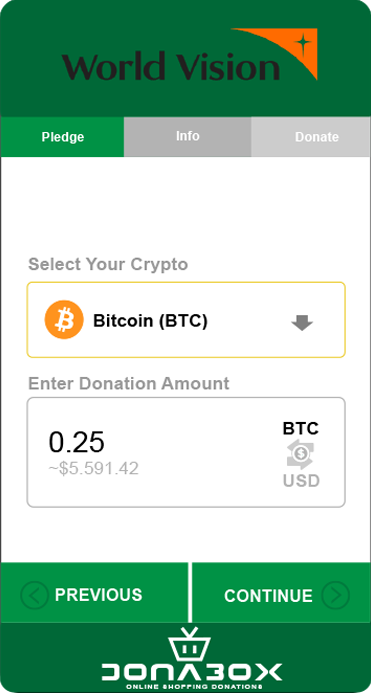
With our API, you can now enable crypto donations directly within your own platform, making it easier for donors to give crypto to their favorite nonprofits. Donors simply select the form of crypto they’d like to donate, enter their donation information, and use a unique wallet address or QR code to complete the transaction.
{% endhint %}

<mark style="color:green;">**EASILY ADD CRYPTO FUNDRAISING TO YOUR WEBSITE.**</mark>

Securely and compliantly accept 100+ cryptocurrencies with our lightweight widget built to support large global charities and local nonprofits alike. Add it directly to your organization’s website – no coding required.recommendations, category classification, keyword search, etc. for their convenience.

<div align="left"><figure><img src="/files/GRNRUPDGk2SFKEETBShA" alt="" width="186"><figcaption></figcaption></figure></div>

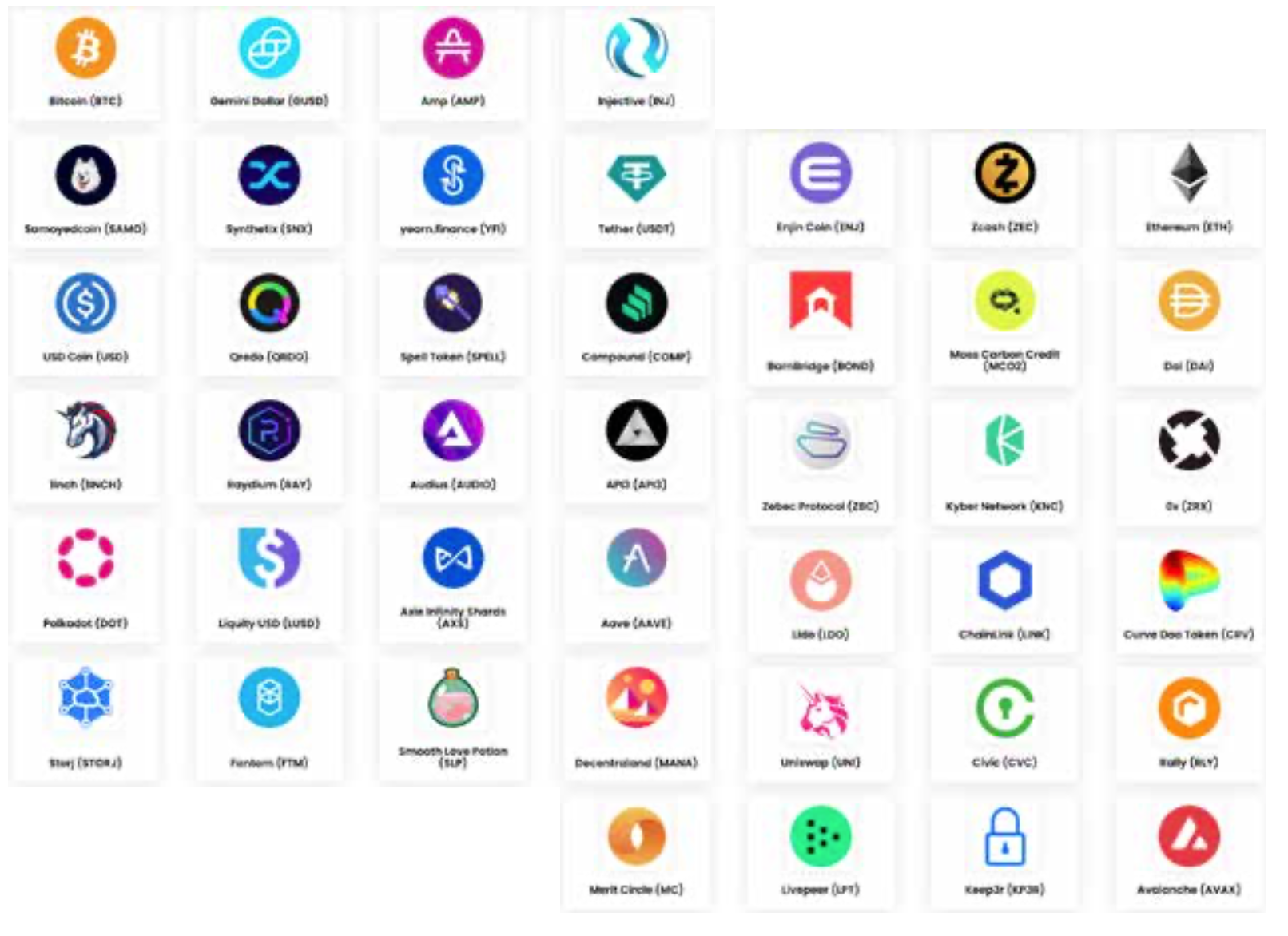
<mark style="color:green;">**ACCEPT HUNDREDS OF CRYPTOCURRENCIES**</mark>

{% hint style="info" %}
We onboard new cryptocurrencies regularly.
{% endhint %}

<figure><img src="/files/TVnP5pP1GnBCnptqlWYn" alt=""><figcaption></figcaption></figure>

<mark style="color:green;">CONVERT TO CASH</mark>

**Automatically convert your crypto donations to cash.**

Your team will never have to touch crypto. We instantly convert the crypto donations you receive to cash and send weekly dollar deposits to your bank account.

<mark style="color:green;">AUTOMATED TAX RECEIPTS</mark>

### Leave the paperwork to us.

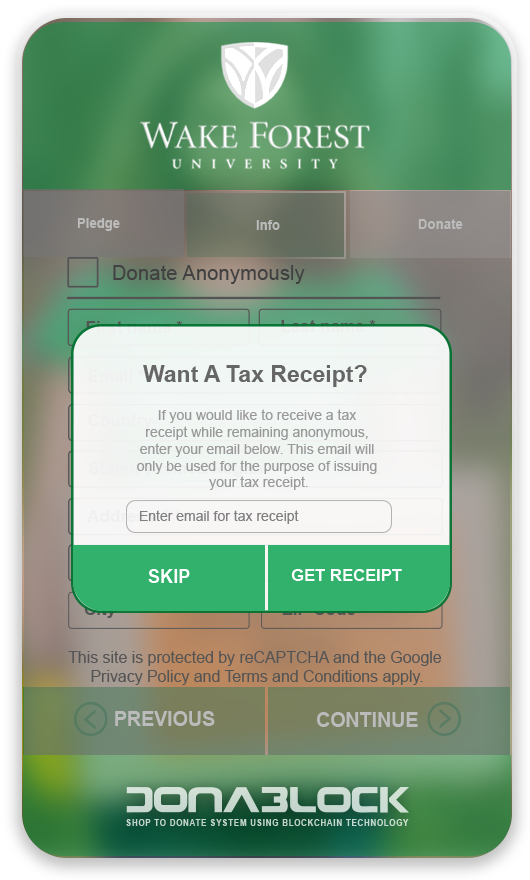
Save operational time and headaches with our automated donor tax receipting that sends an email directly to your donors’ inboxes.

<div align="left"><figure><img src="/files/xlk1EG3hc7VfuTiZZJJu" alt="" width="265"><figcaption></figcaption></figure></div>

<mark style="color:green;">CLIENT DASHBOARD</mark>

### Access all your donation data in one place.

Stay in complete control of your crypto donations with our dashboard that details each donation – including g the cryptocurrency and amount donated, with the value displayed in USD.
<div align="left"><figure><img src="/files/SQfv9lgS0U7f5TR9FENc" alt="" width="375"><figcaption><p><mark style="color:green;">CLIENT DASHBOARD</mark></p></figcaption></figure></div>


---

# Agent Instructions
This documentation is published with GitBook. GitBook is the documentation platform designed so that both humans and AI agents can read, navigate, and reason over technical content effectively. Learn more at gitbook.com.

## Querying This Documentation
If you need additional information that is not directly available in this page, you can query the documentation dynamically by asking a question.

Perform an HTTP GET request on the current page URL with the `ask` query parameter, and the optional `goal` query parameter:

```
GET https://wpen.donablock.io/10.-crypto-fundraising-solution/10-1-donablock-crypto-wallet.md?ask=<question>&goal=<endgoal>
```

`ask` is the immediate question: it should be specific, self-contained, and written in natural language.
`goal` is optional and describes the broader end goal you are ultimately trying to accomplish on behalf of the user. GitBook uses it to tailor the answer towards what is most useful for that goal.

The response will contain a direct answer to the question and relevant excerpts and sources from the documentation.

Use this mechanism when the answer is not explicitly present in the current page, you need clarification or additional context, or you want to retrieve related documentation sections.